These instructions relate to BFRO report 82714 -- Brevard County, Florida; Summer 2023
Hello Jarvis,
Here are your instructions for the video:
The story and narration should be based on this report and investigator notes:
https://www.bfro.net/GDB/show_report.asp?id=82714
The narration intro with Matt Moneymaker should transition to this east facing aerial view of the Kennedy Space Center.
The views below will be a series of view angles. The video you create from this series of view angles should create the appearance of a smooth flight among these shots, not going to the exact from but rather showing the main objects somewhere in the frame and progressing foward in the indicated direction and angle.
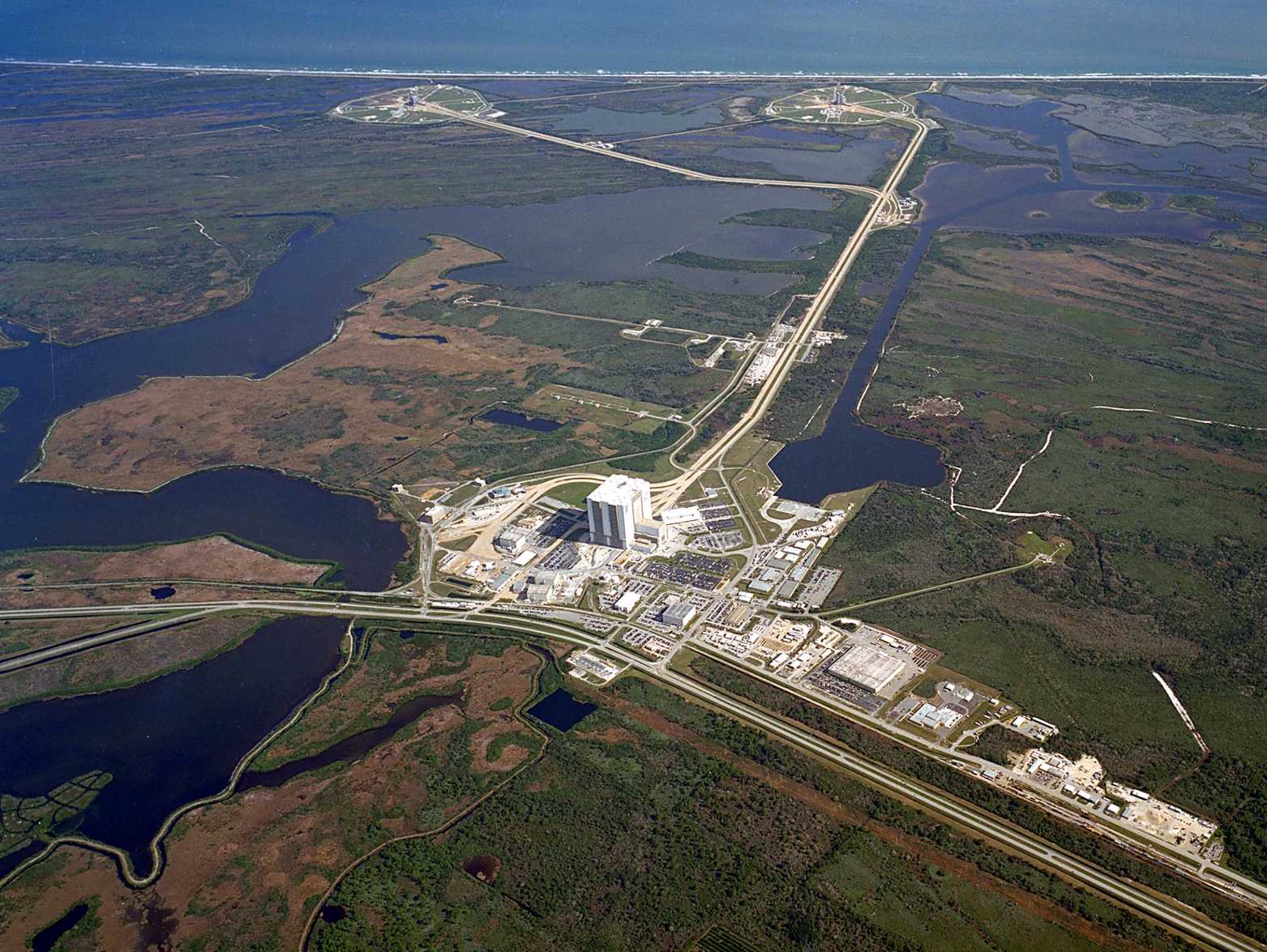
Rotate the view to look north over the space center, across the vast wildlife refuge, as shown below.
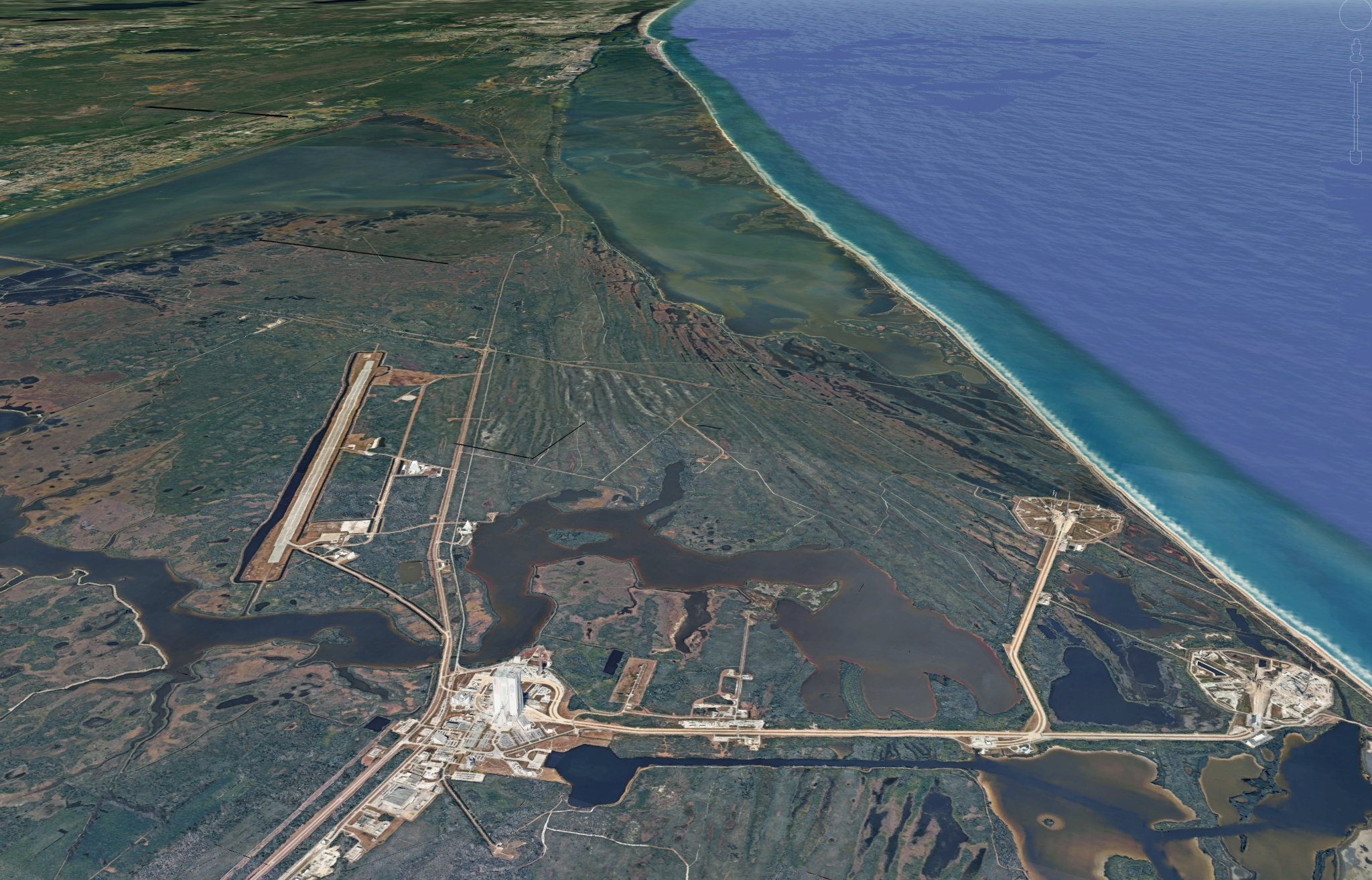
Move the view north as shown below so elevation level remains smooth as the POV moves forward.
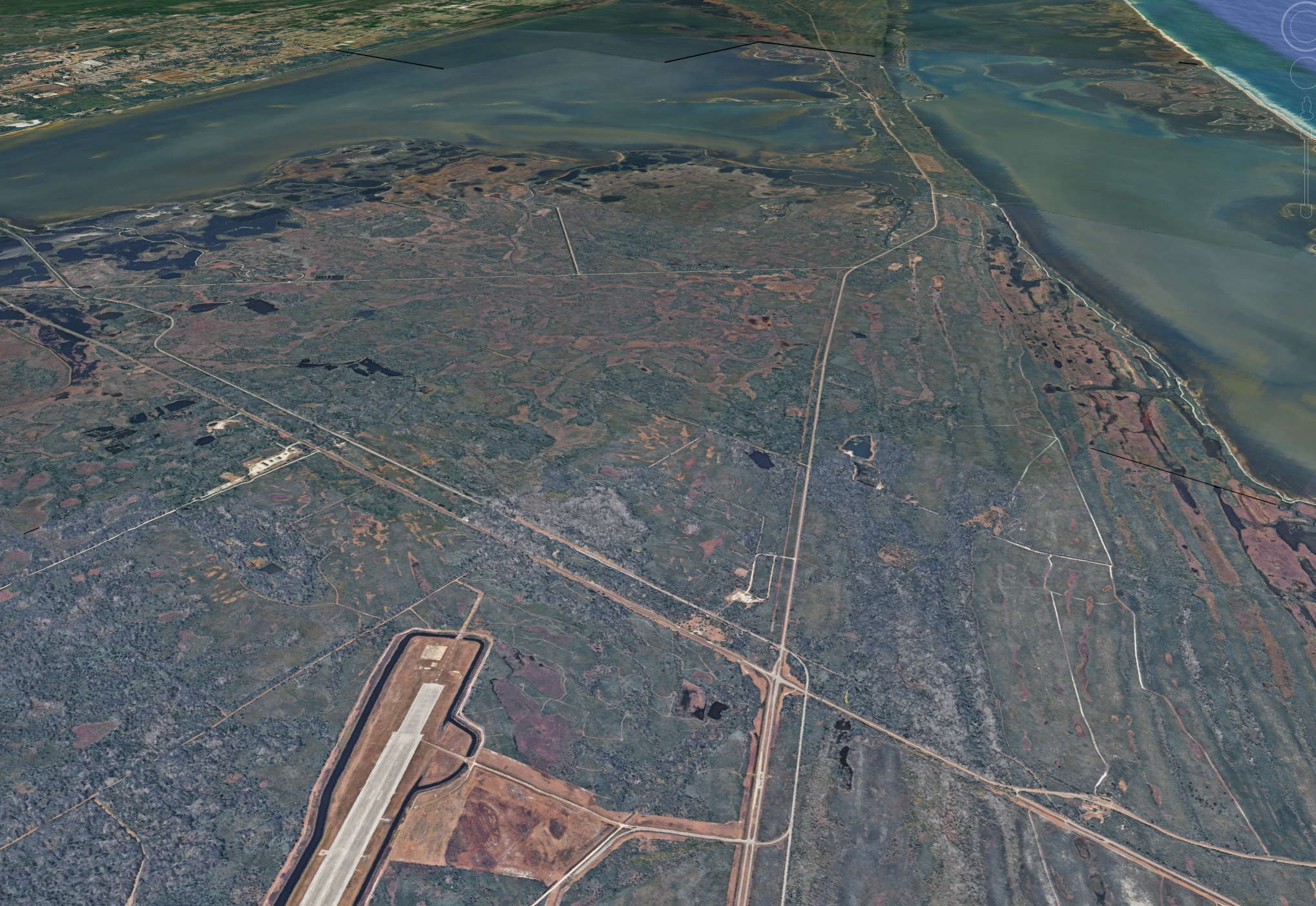
Descend the POV to center the T-Bone intersection and move closer to it.
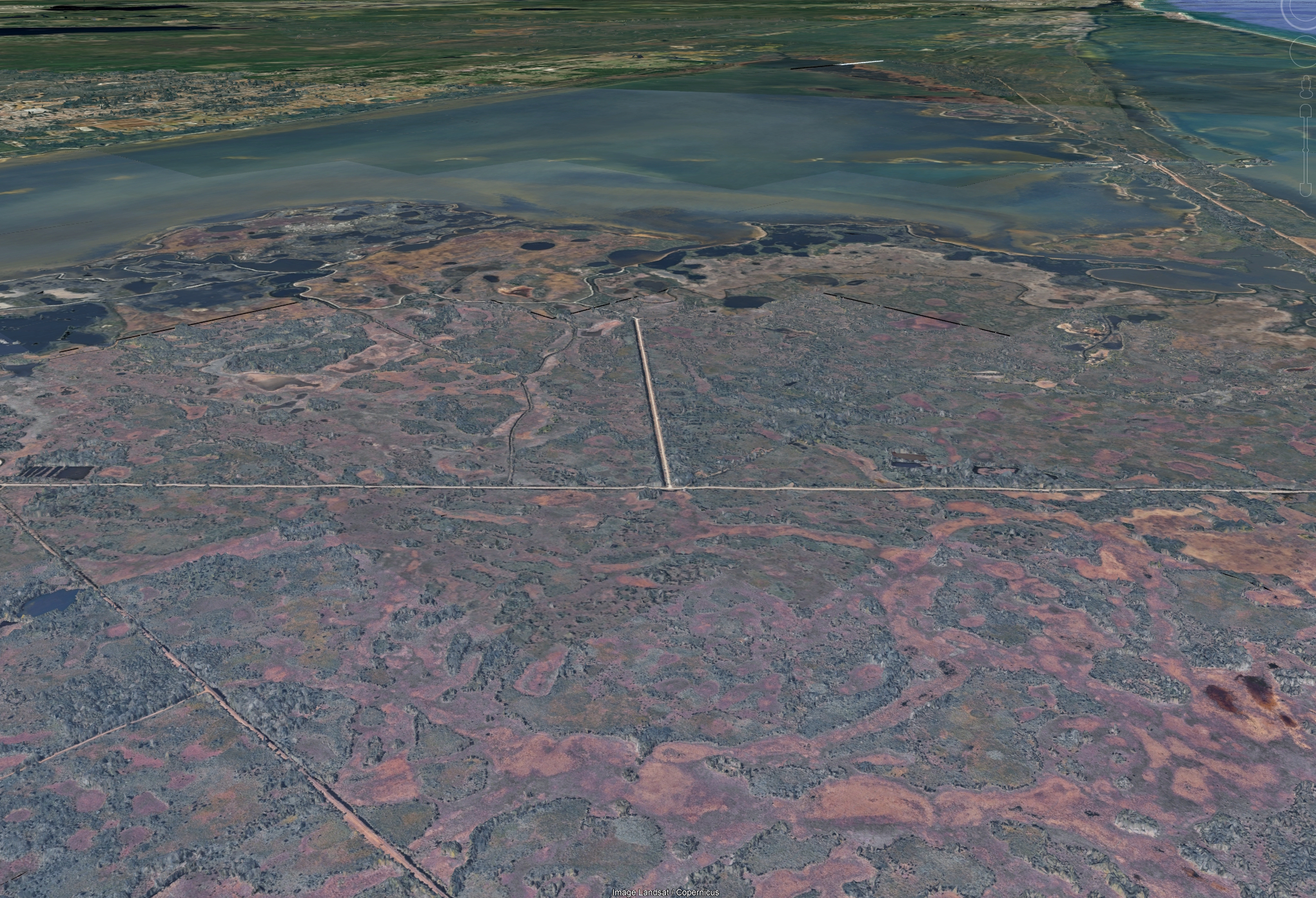
View moves in closer to T-Bone intersection
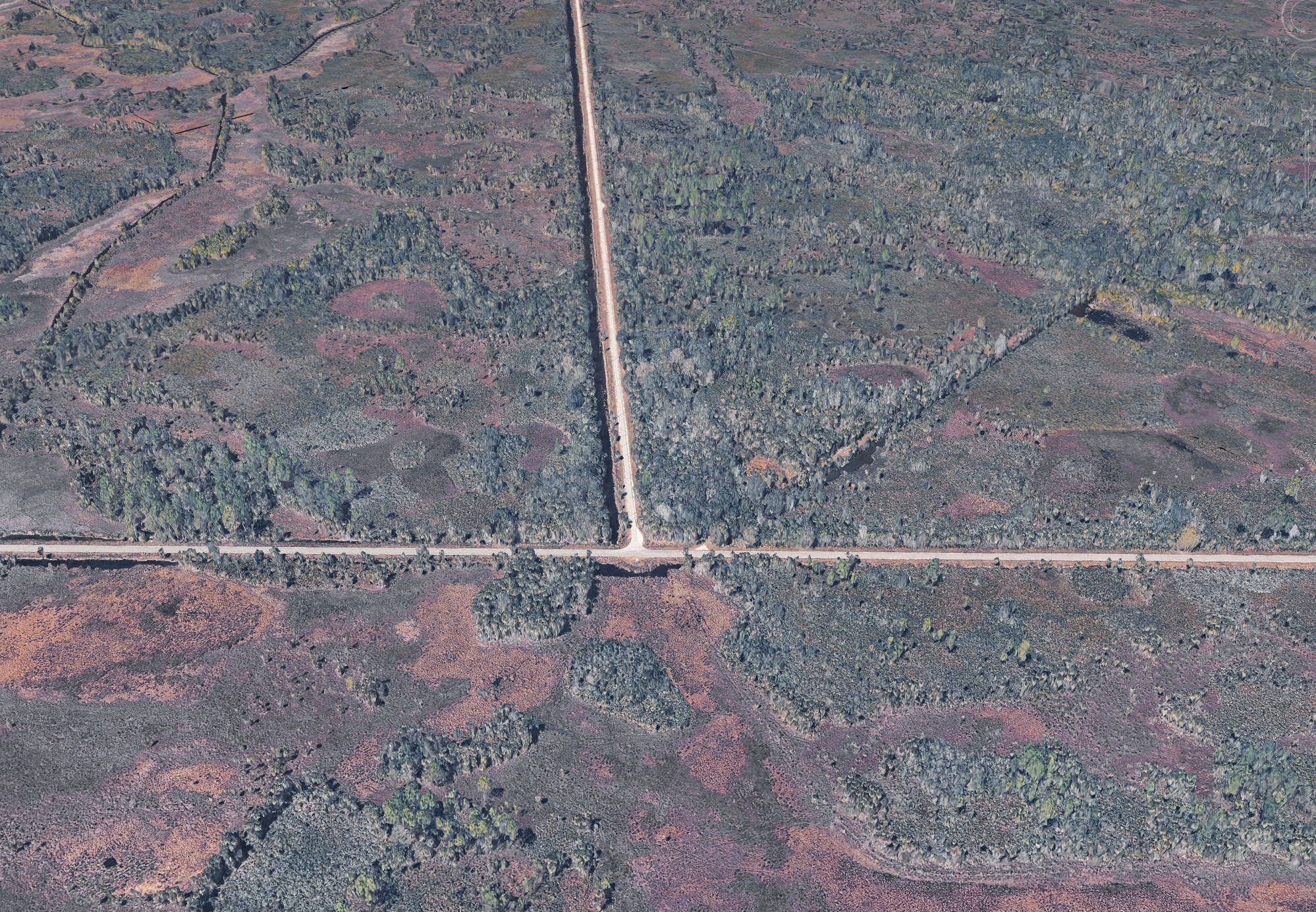
View rotates smoothly 180 degrees to show the T-Bone intersection looking southward toward it.
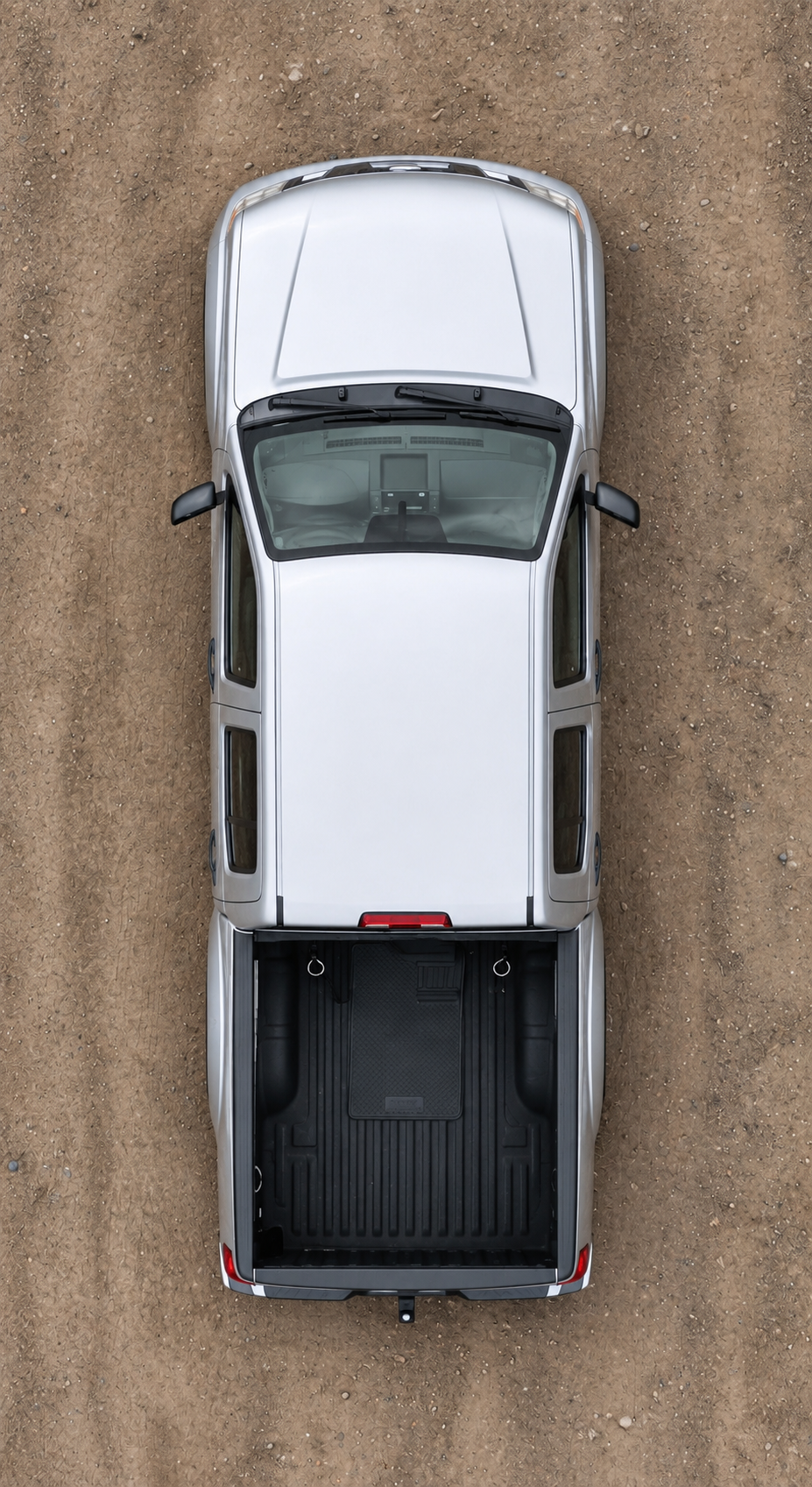
The silver pickup truck shown below should appear from the bottom of the screen (an appropriately distant shot) driving forward toward the T-bone intersection.
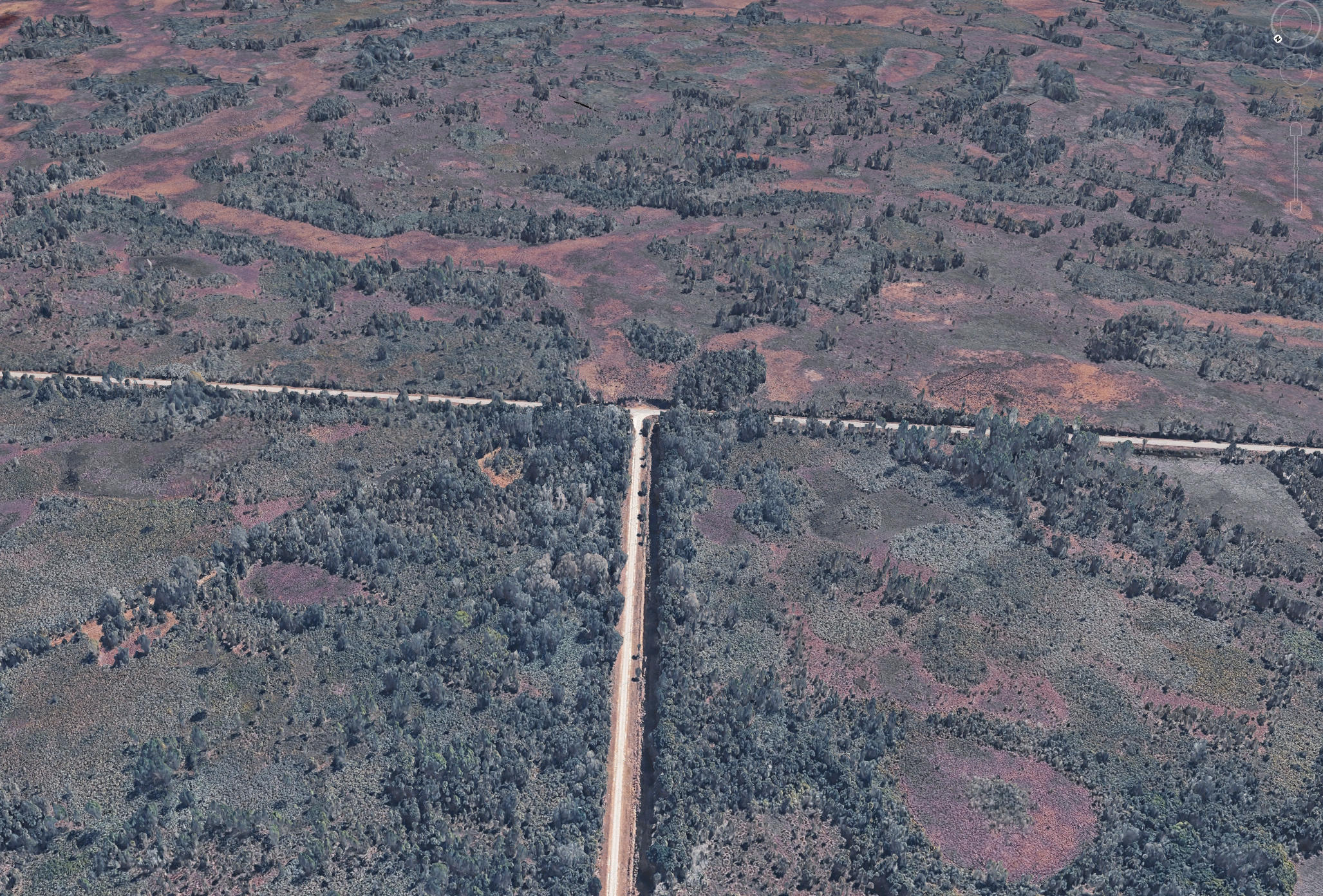
Smoothly transition among these views to get closer to the intersection. Here is the next closer view (below). The vehicle should be approaching this intersection from the bottom of frane.
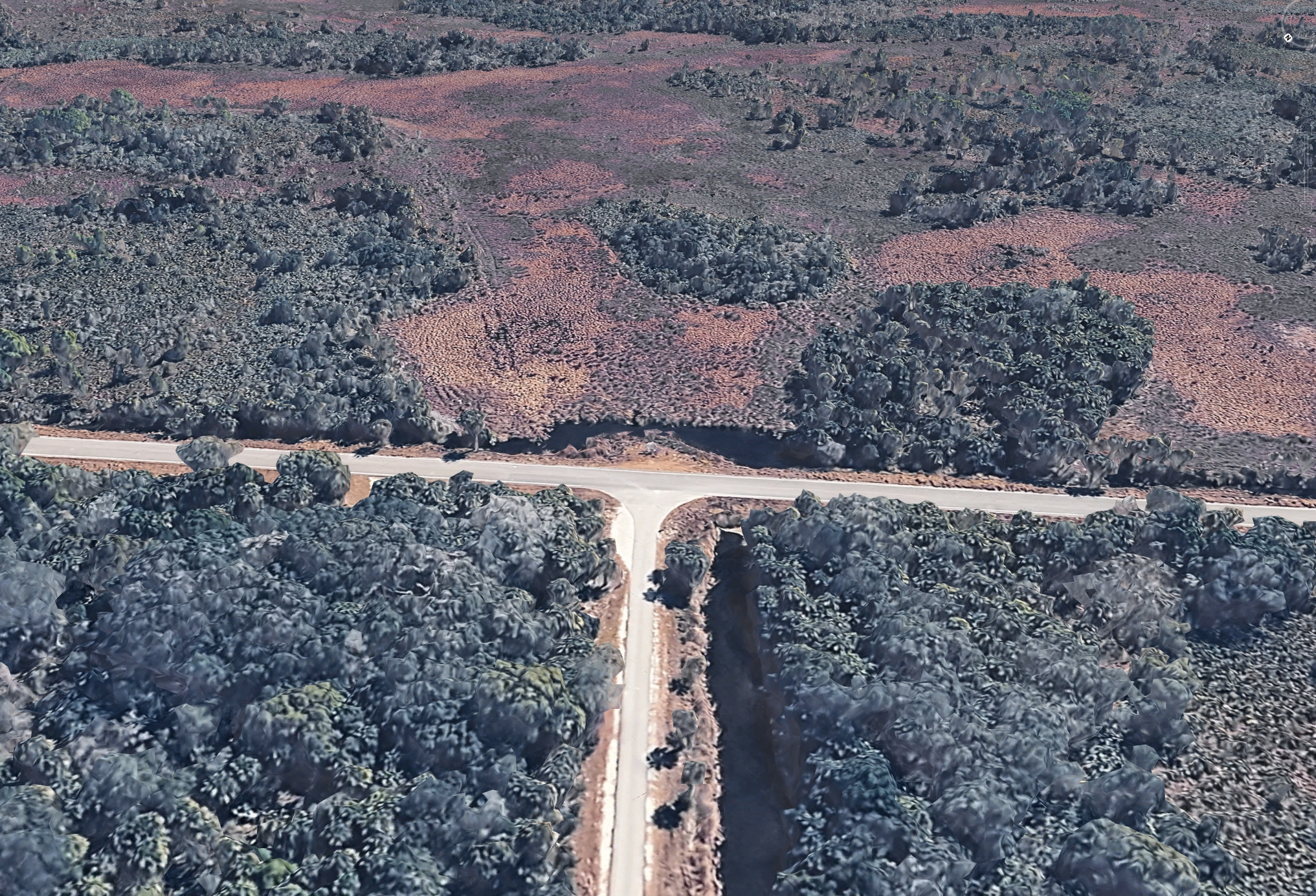
Transition to the even closer view below but make this blocky 3D Google Earth view look more photo realistic, with more natural looking foliage. The silver Nissan pickup truck should be moving closer to the intersection from bottom of frame as the view moves tighter onto the intersection.
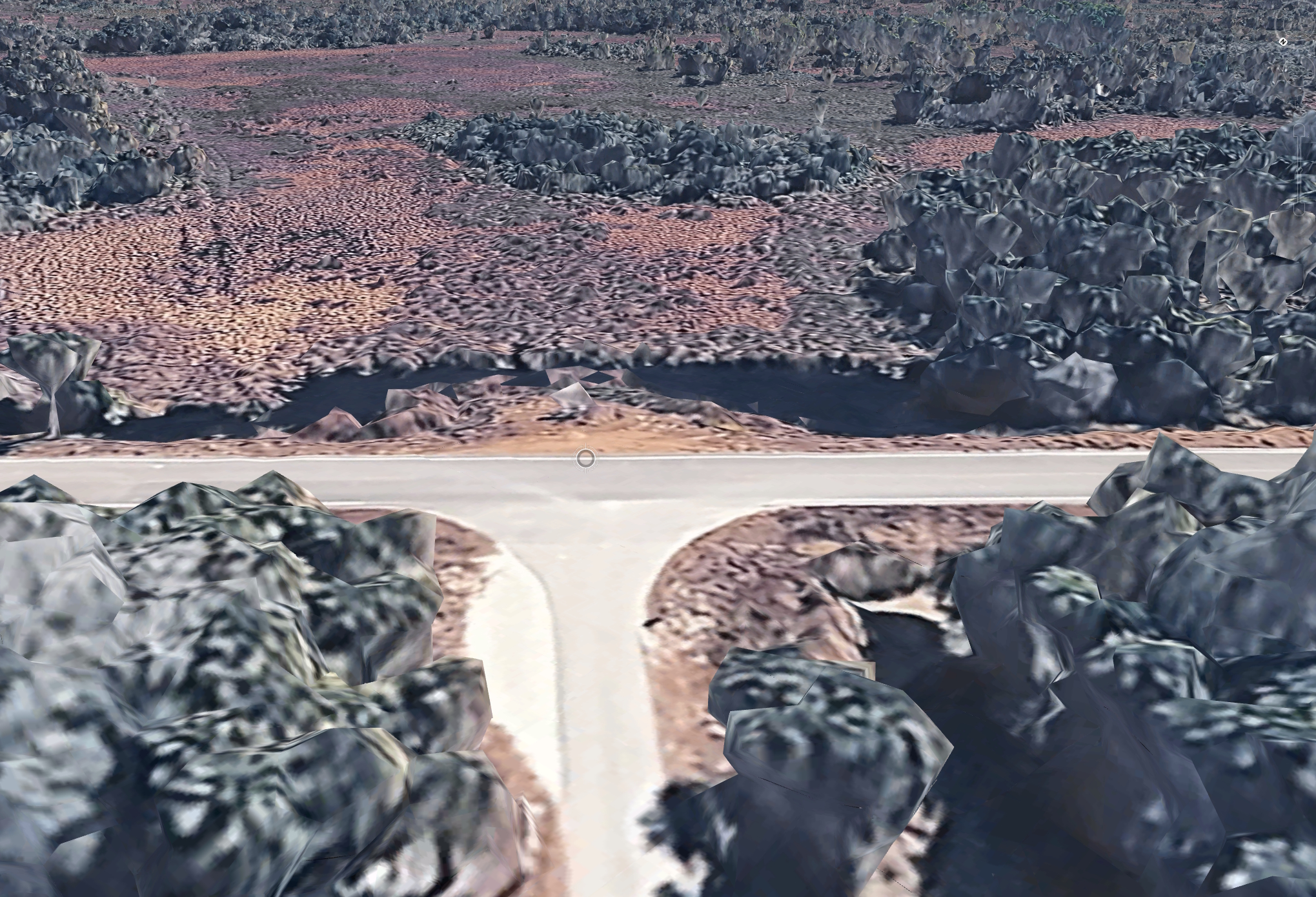
The POV should move to the view of the intersection looking from the road on the left side of this frame. The image below shows the correct orientation and shows the pickup truck that should enter the frame from the right, as a continuation of the movement in previous portion of the video.
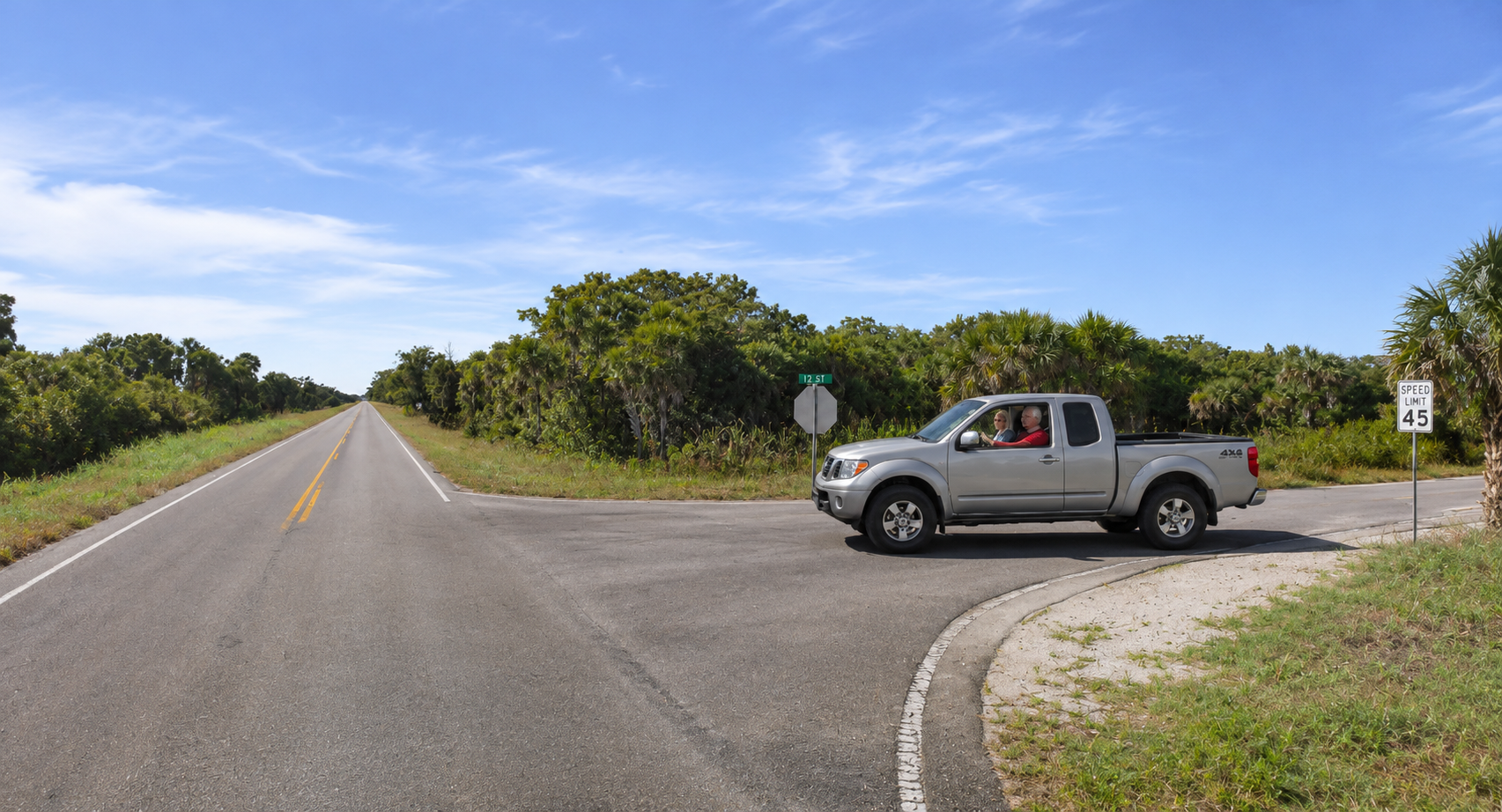
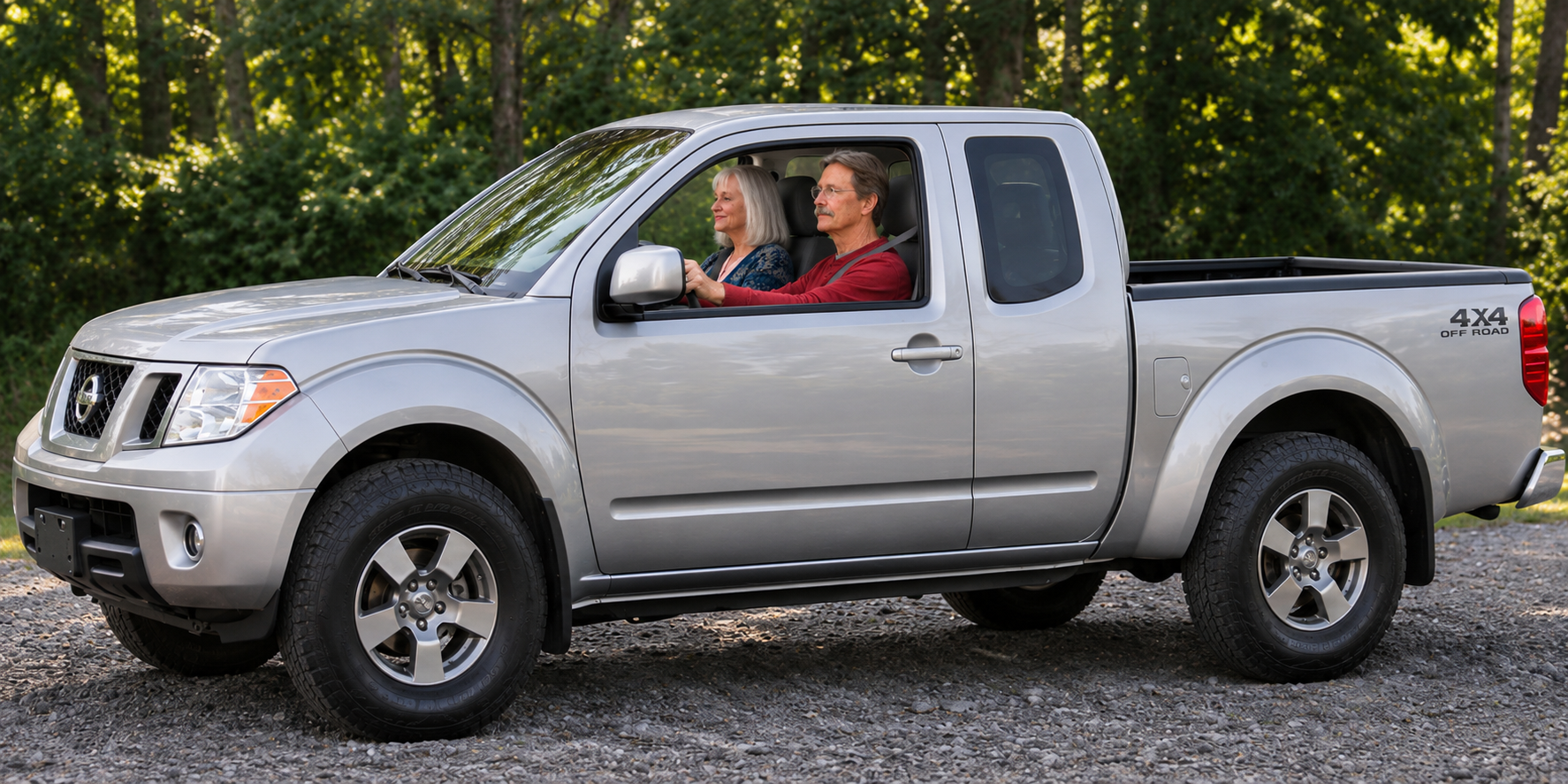
The hair color of the driver in the image above should be changed to match the hair color of the same driver in the image below.
Move in closer to the vehicle to show a closer view of the vehicle and occupants, as shown below.
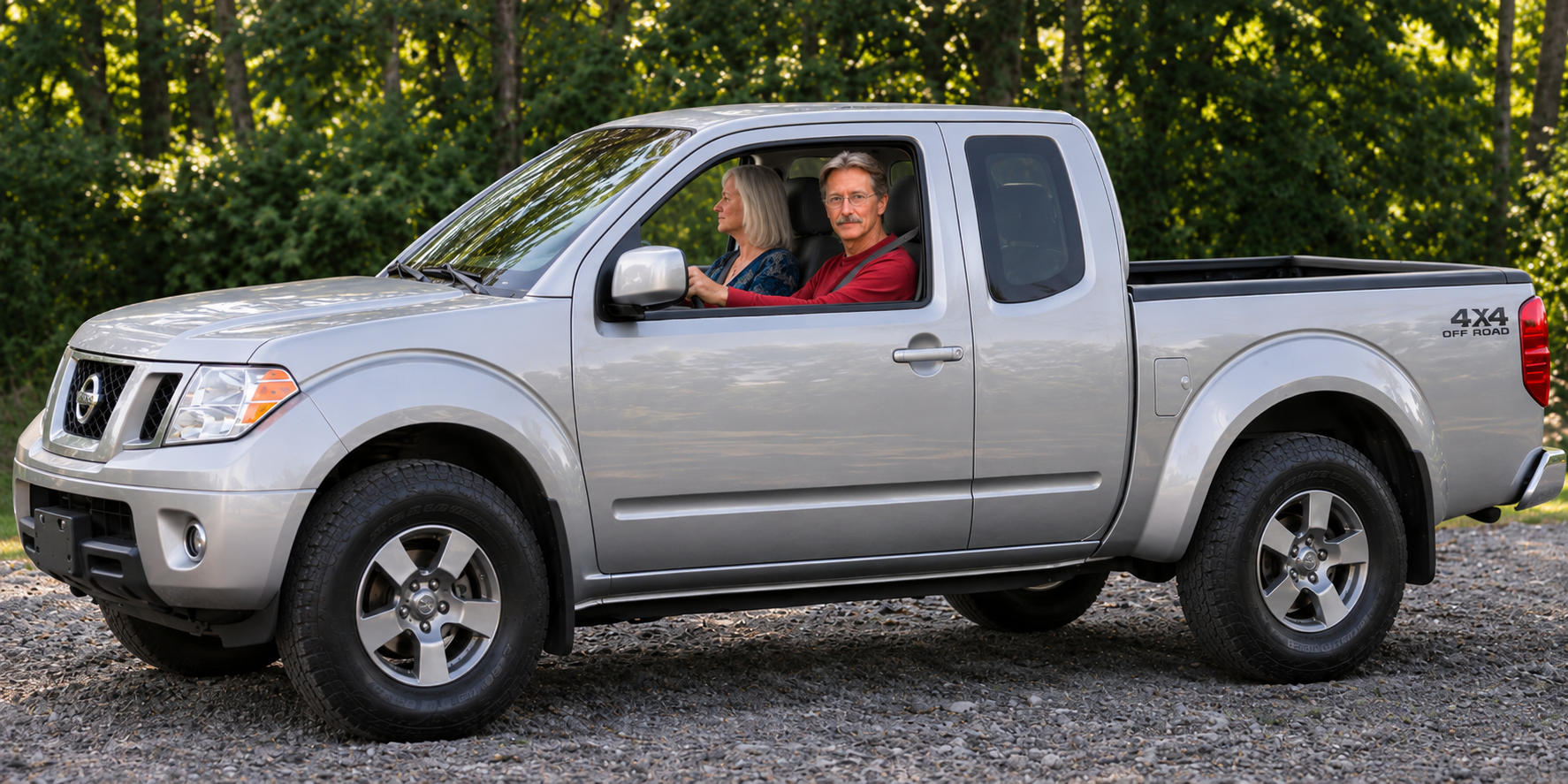
The drivers attention turns to look toward camera, as if looking to the left before making a turn in that direction, as shown in the image below.
The few jumps to looking out the front window of the vehicle from inside the vehicle, showing the scene shown below through the windshield. The bigfoot shown in the image below should be moving to the right, and it should set back further from the road. It should appear to be about 80 feet back from the road, rather than the 40 foot distance you see in the image below.
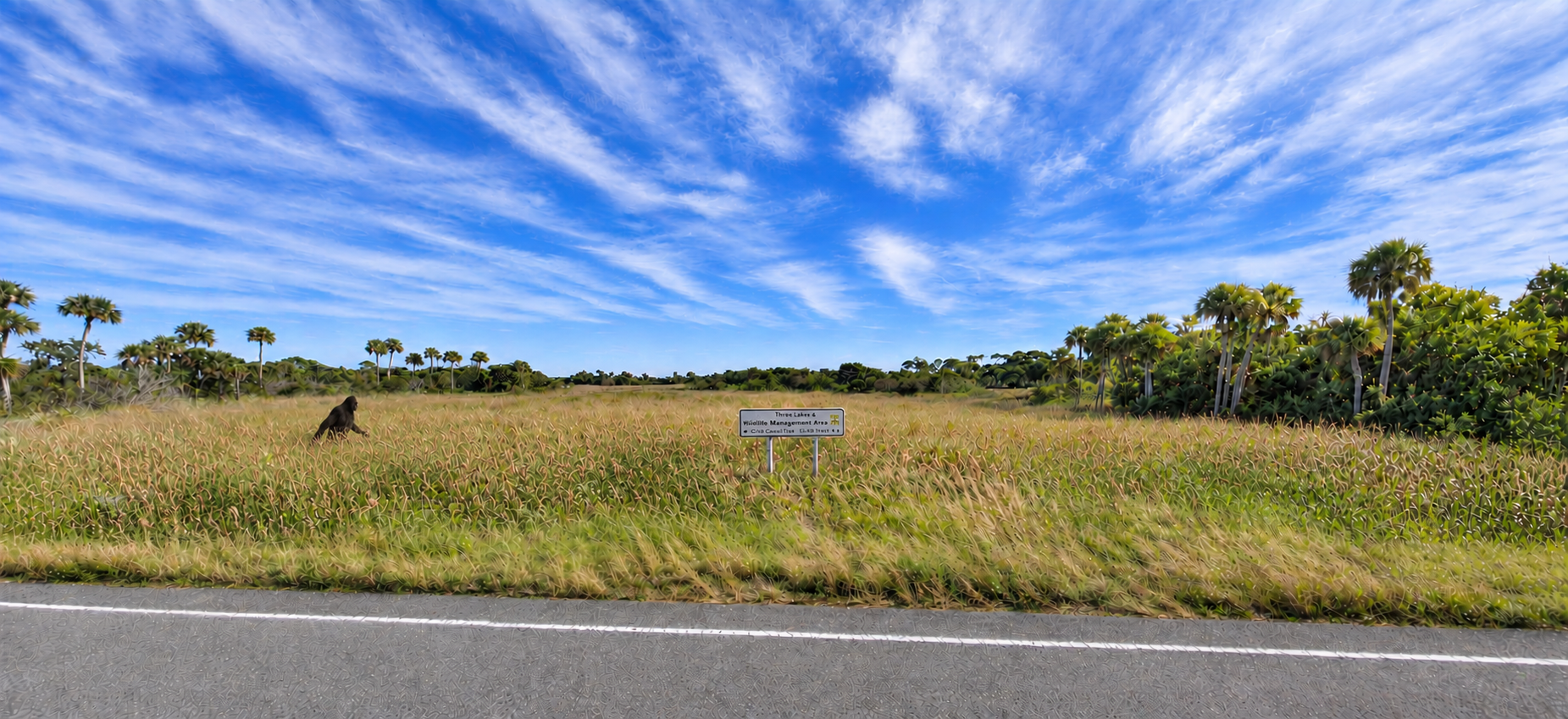
The image below should not be included in the video, but should only serve as reference for the appearance of the characters in the video.

The rest of this portion of the video (the reconstruction of the sighting incident), should follow the narrative of the sight report:
The vehicle makes the turn to the left as the wife turns her head to the right to continue watching the moving bigfoot out the passenger side window. After the vehicle is moving down the road in the newe direction the wife finally yells out "Stop! Stop! That's a bigfoot! Turn around!".
Show an aerial view of the vehicle doing a three point turn to head back toward the intersection, while the bigfoot continues walking toward the trees and then eventually disappears into those trees.